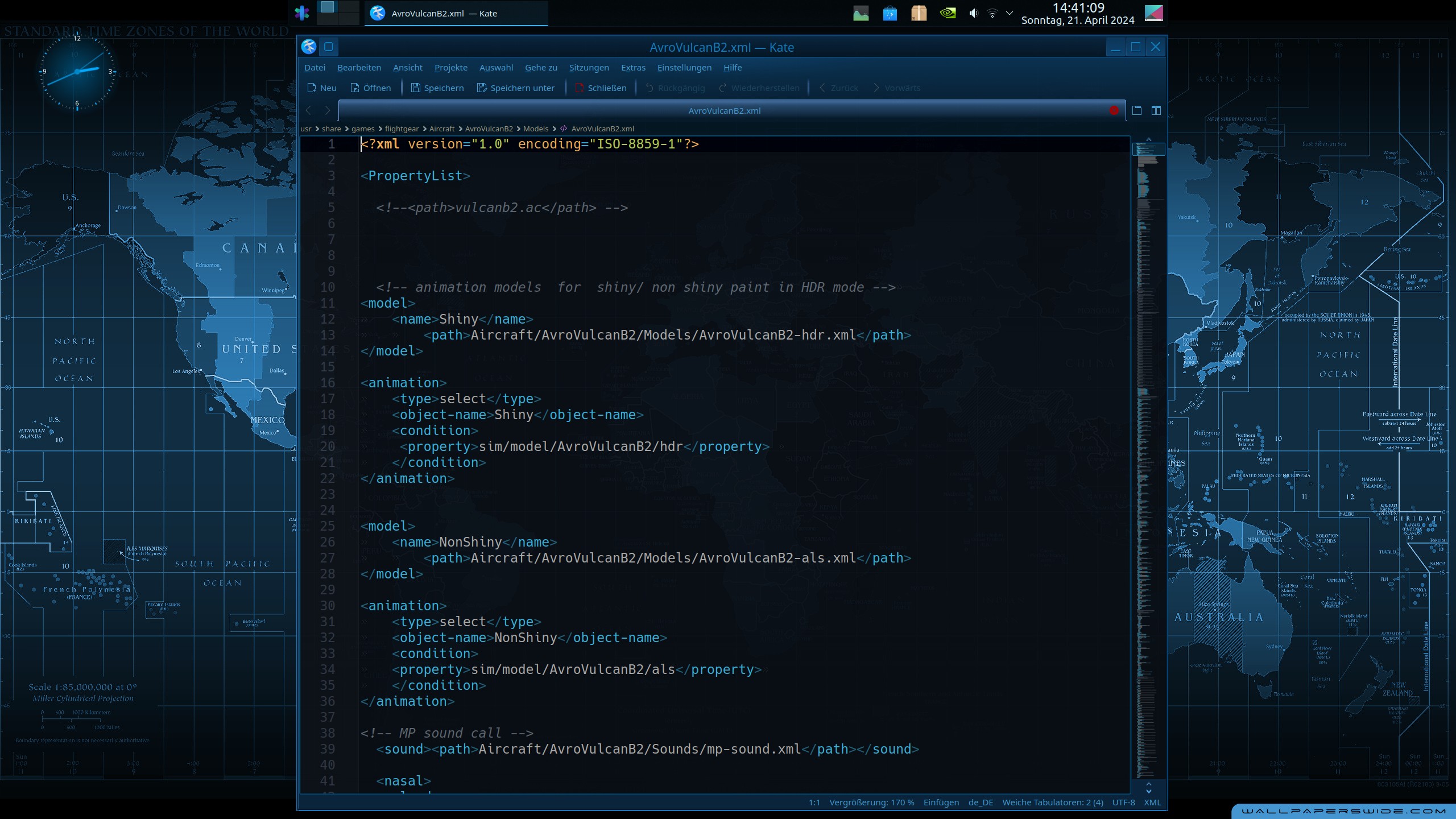
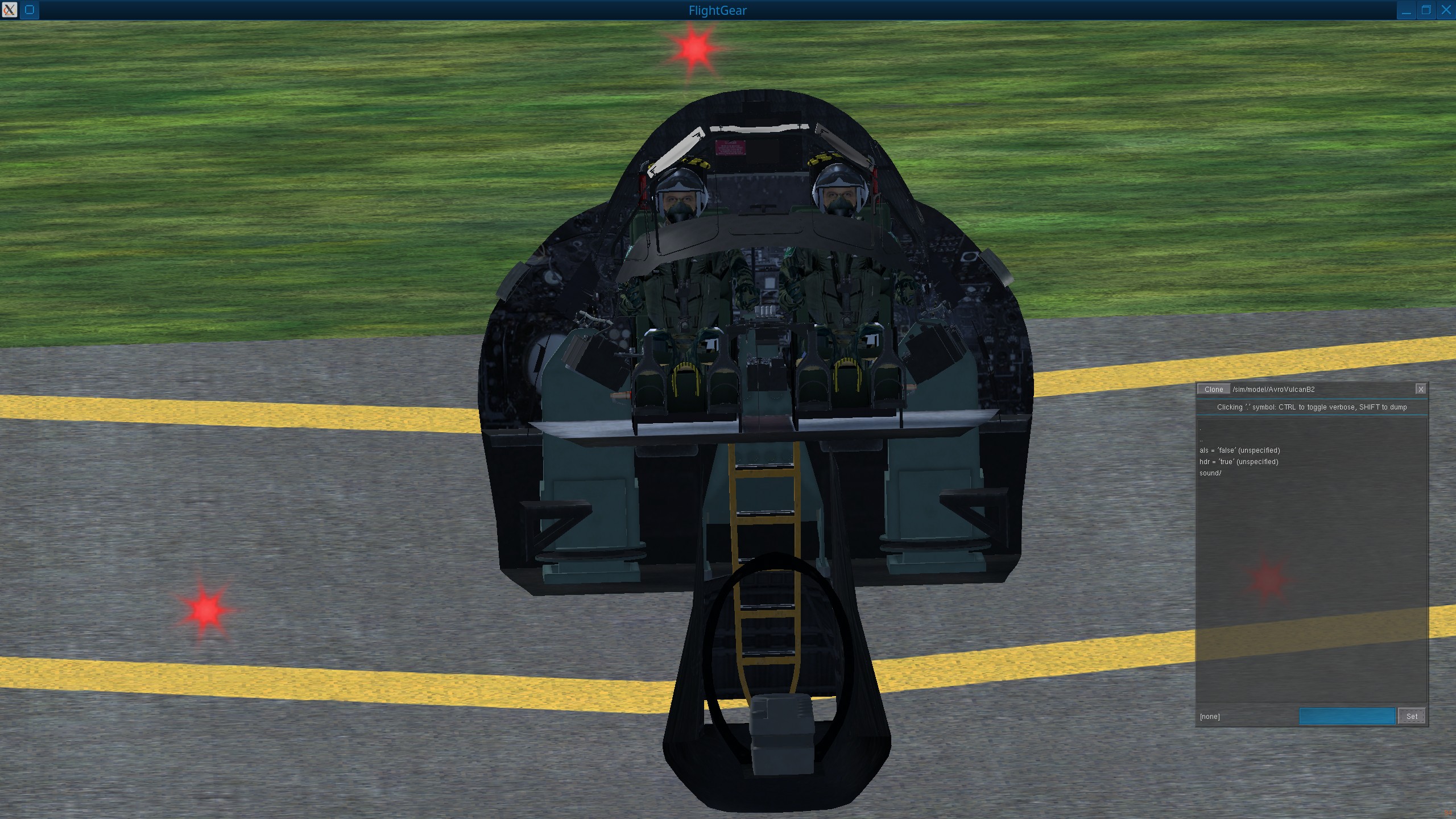
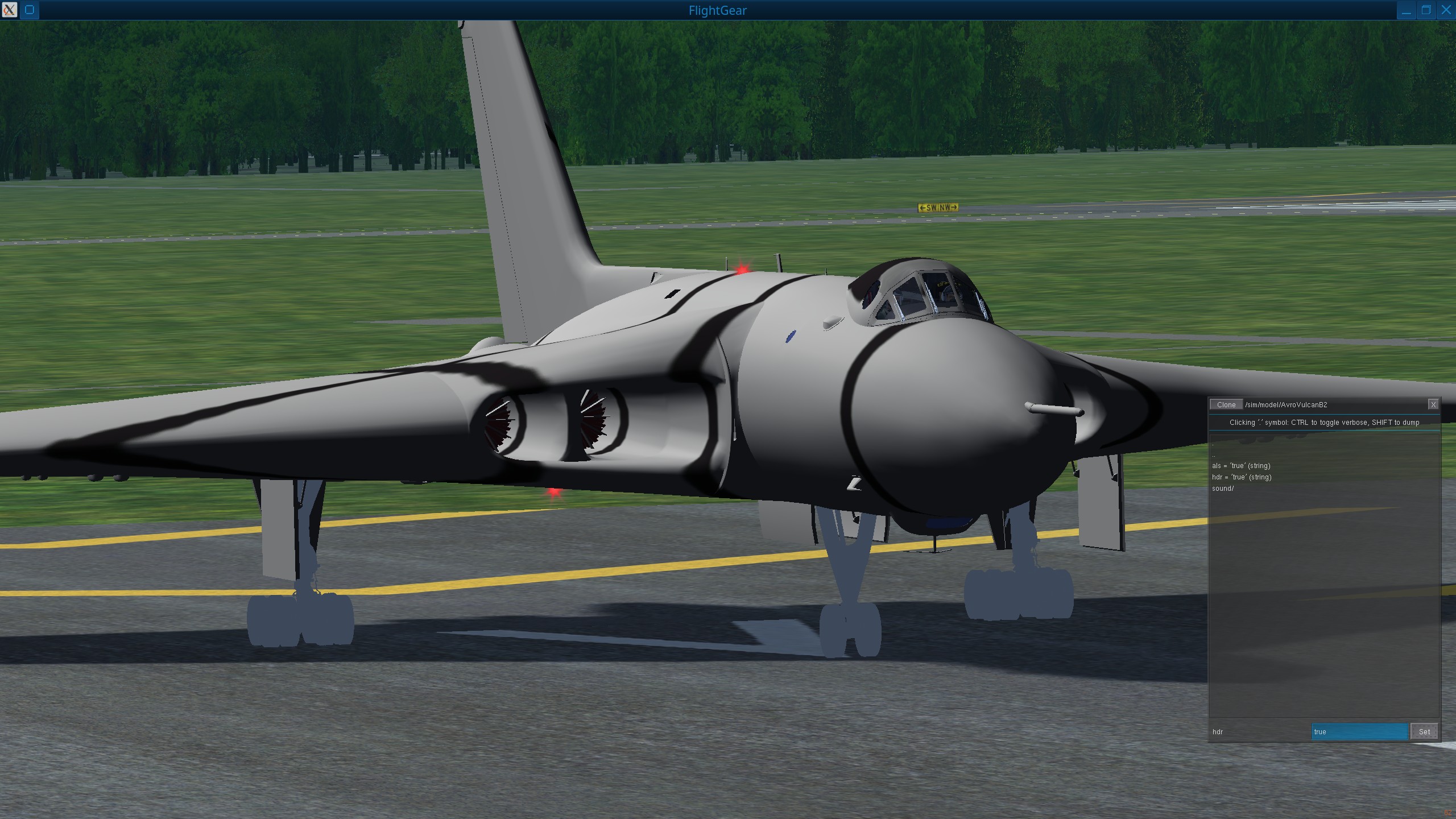
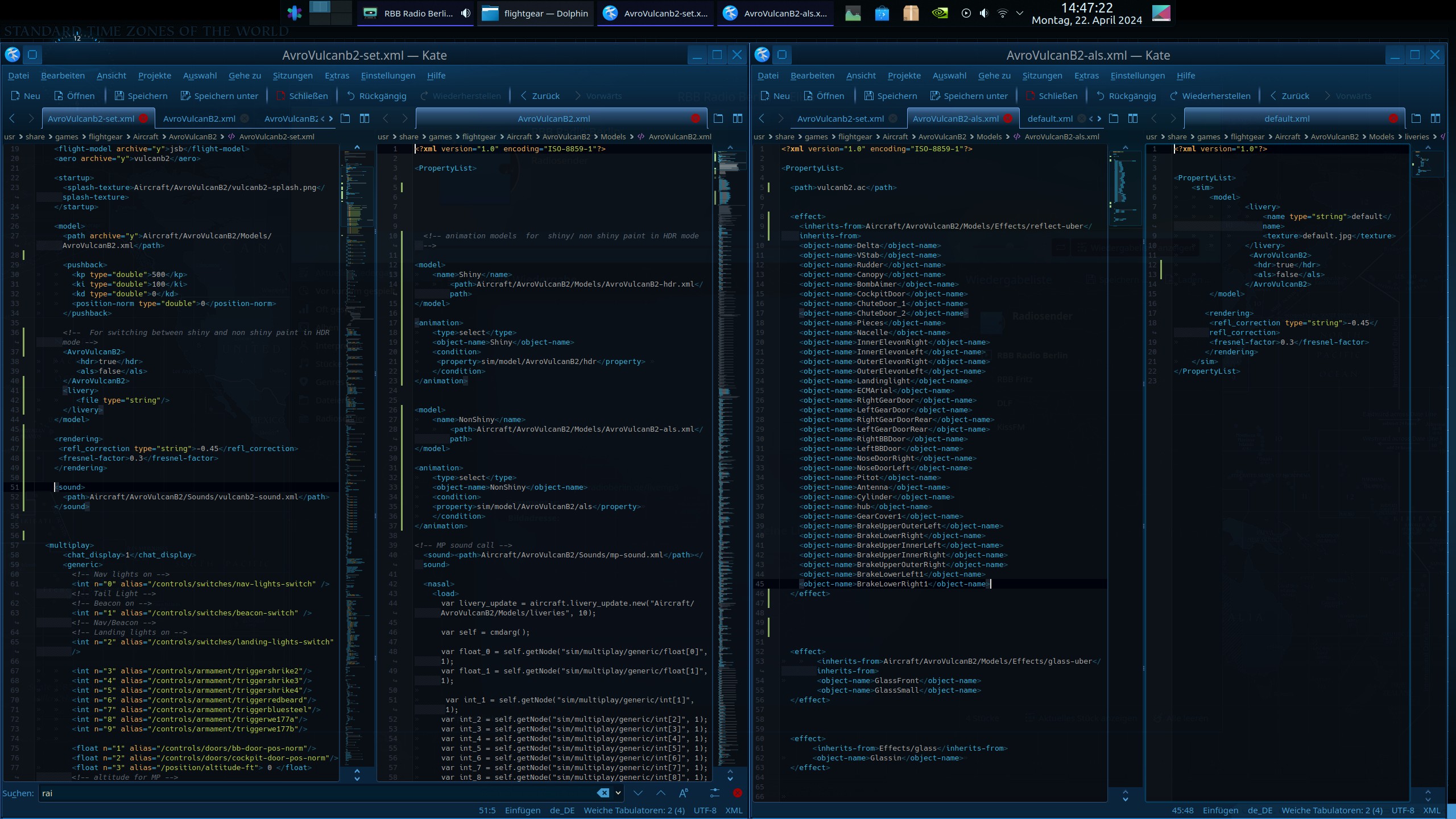
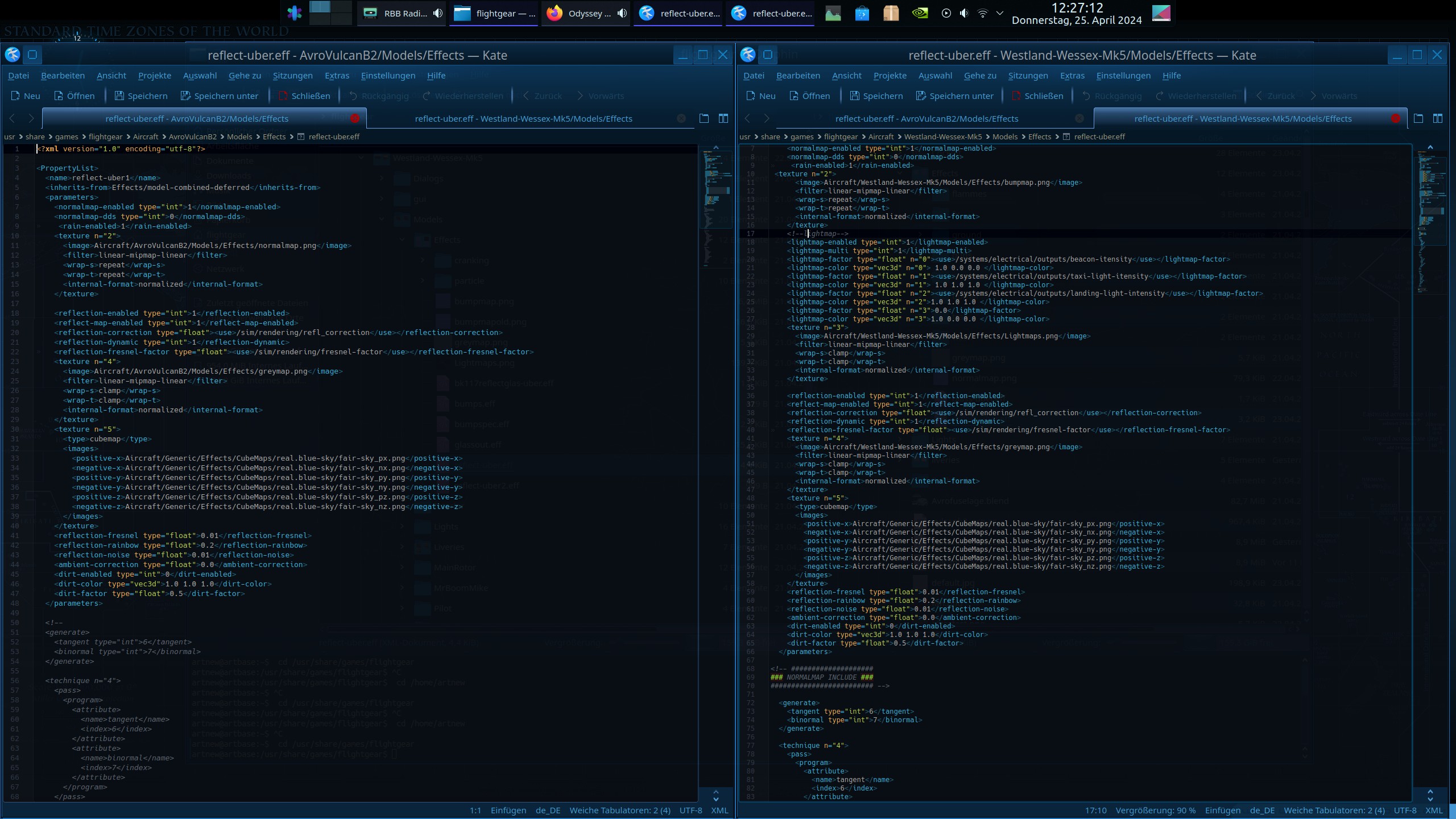
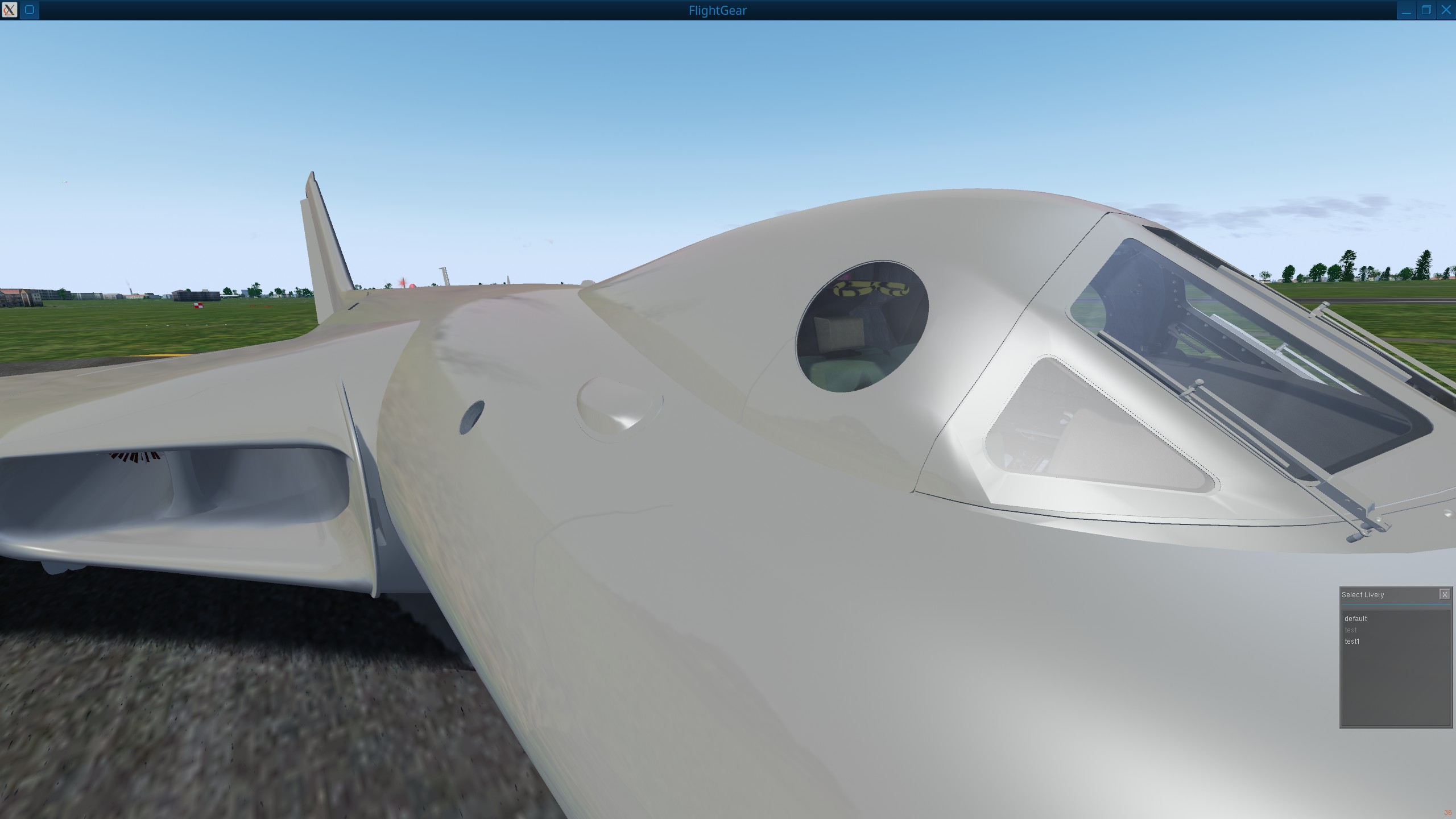
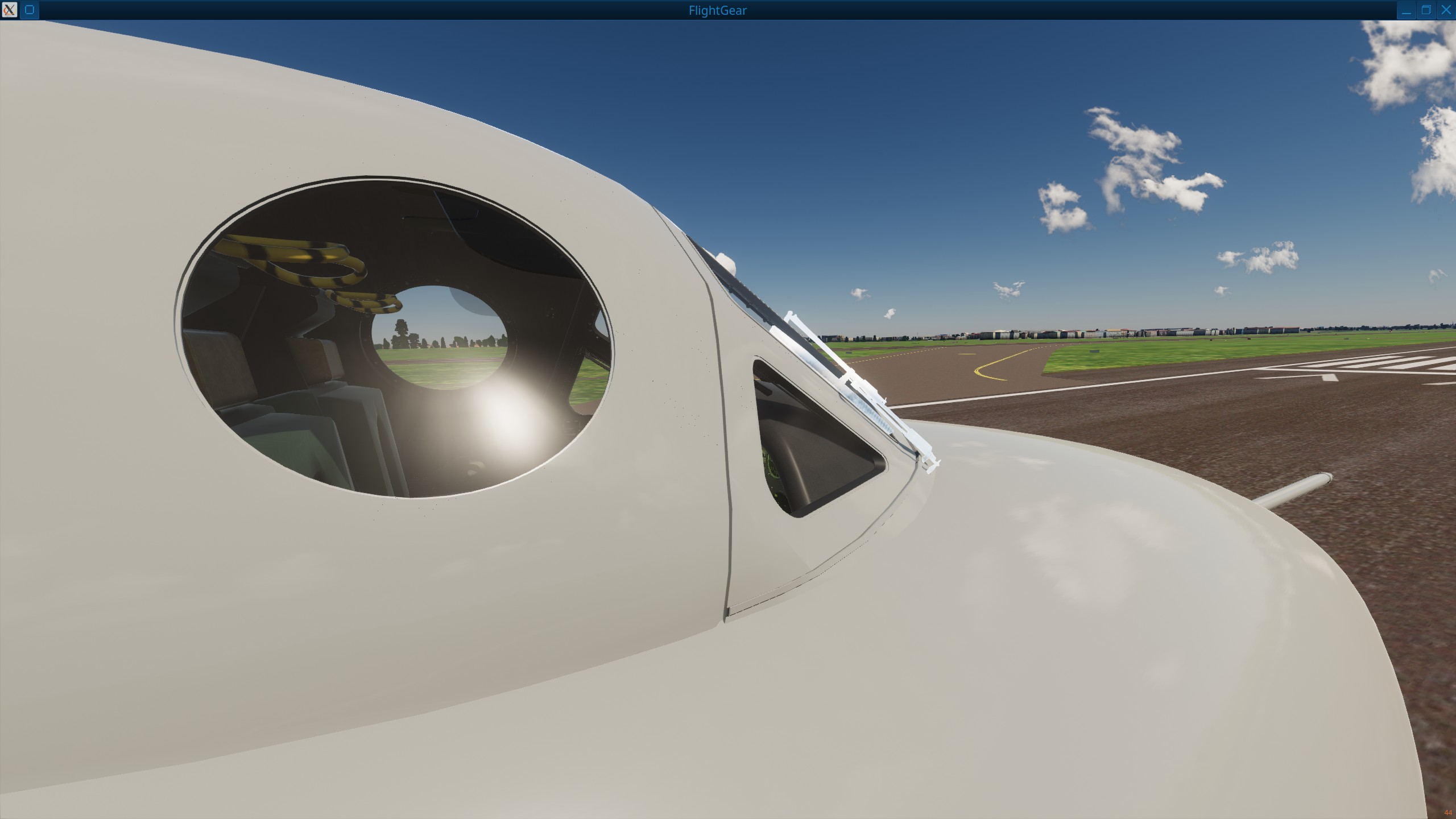
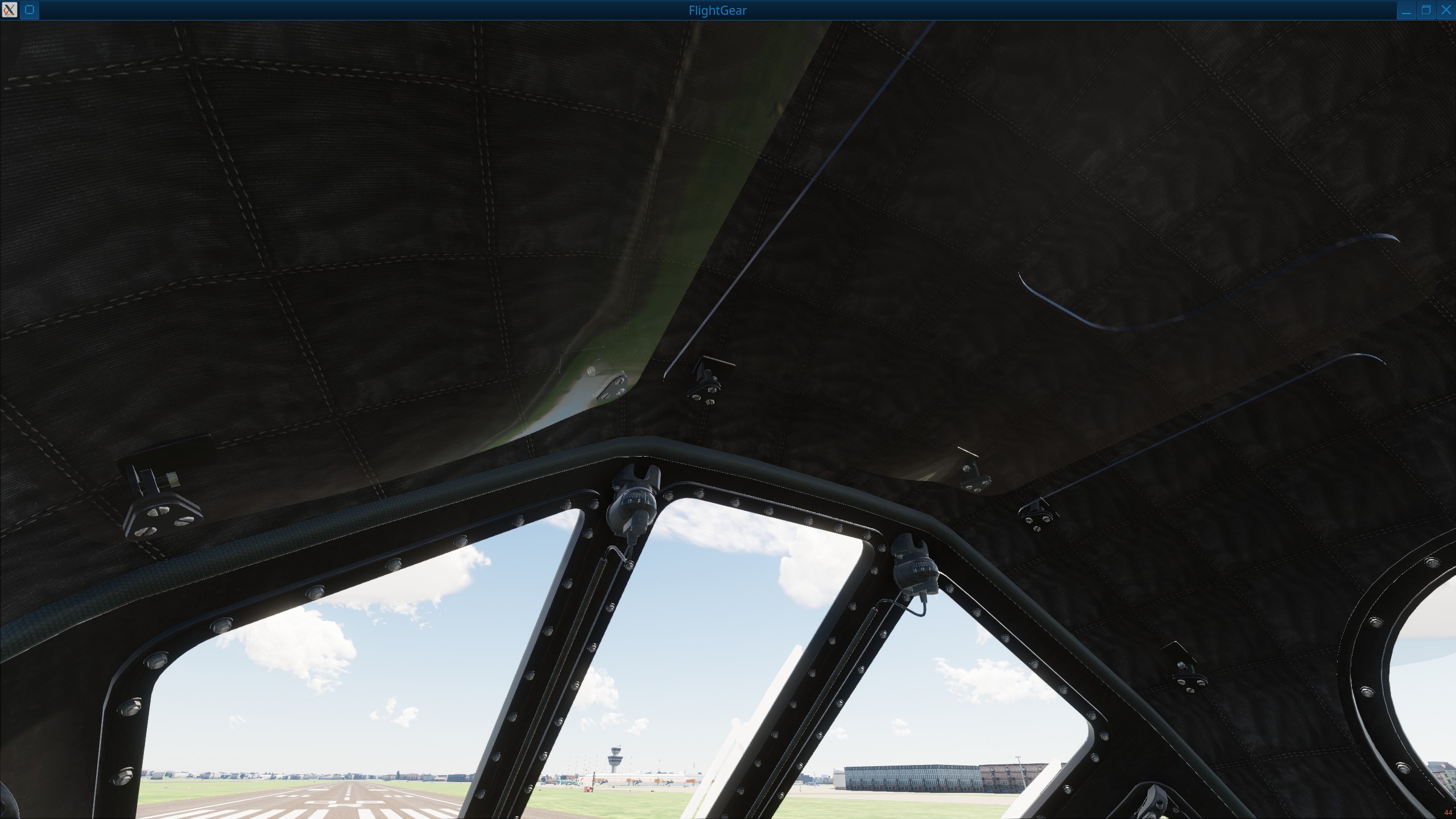
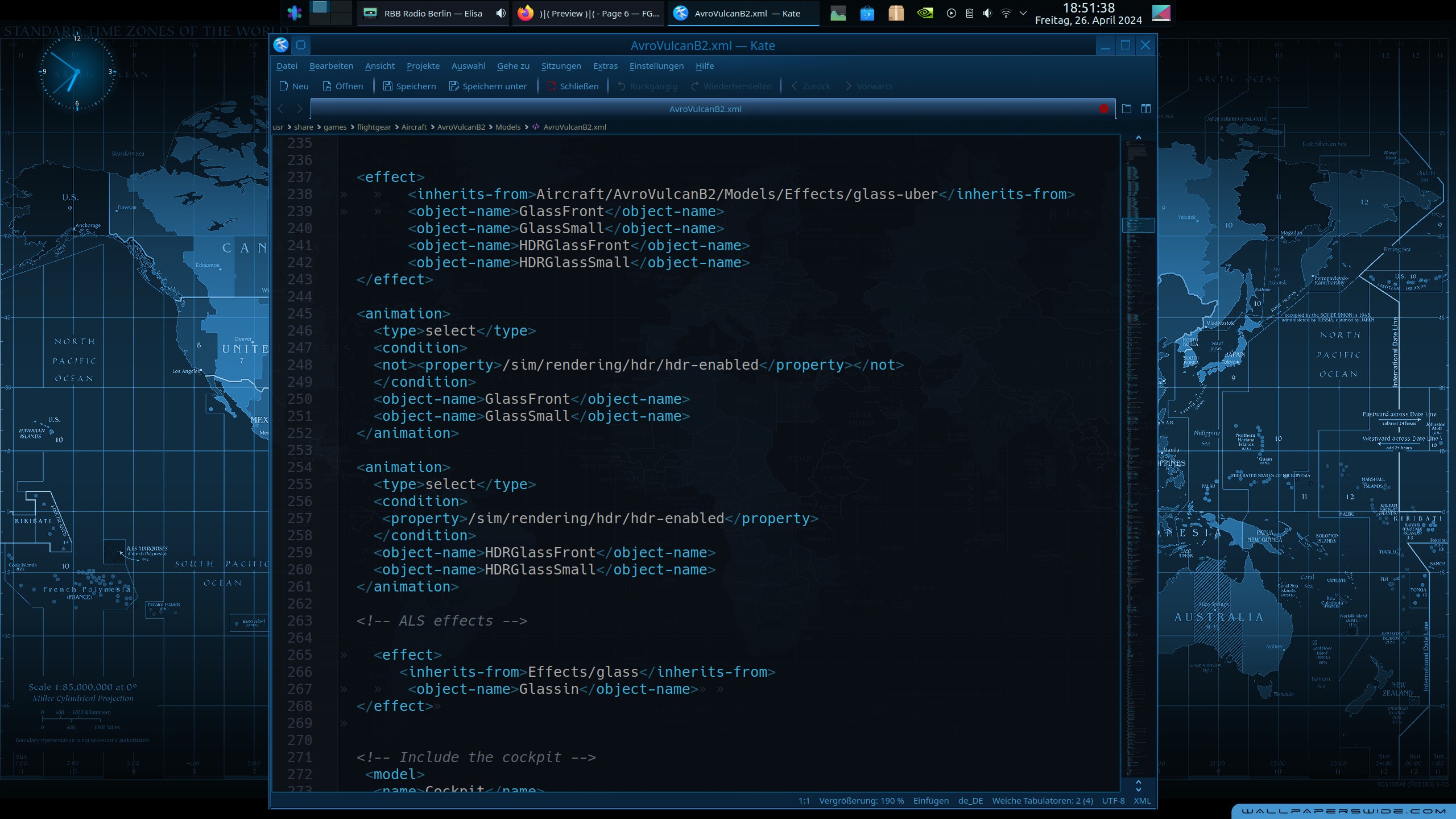
You need the Trigger option in the set file, The animation in the main Model XML file, and the Shiny model xml + non shiny model xml files below that ( which contain the aircraft .ac file in each, with the shader effects ).
The liveries then trigger the animation as they should contain the 2 trigger options from the set file.
From the F5E that im working on at the momen:-
From the Set file:-
<model>
<path>Aircraft/F-5E/Models/F-5E-TigerII.xml</path>
<turbine>
<file type="string">Default</file>
</turbine>
<!-- Add pushback -->
<pushback>
<kp type="double">100</kp>
<ki type="double">25</ki>
<kd type="double">0</kd>
<position-norm type="double">1</position-norm>
</pushback>
<f5>
<hdr>true</hdr>
<als>false</als>
</f5>
</model>
From the main model XML :-
<model>
<name>Shiny</name>
<path>Aircraft/F-5E/Models/F-5E-hdr.xml</path>
</model>
<animation>
<type>select</type>
<object-name>Shiny</object-name>
<condition>
<property>sim/model/f5/hdr</property>
</condition>
</animation>
<model>
<name>NonShiny</name>
<path>Aircraft/F-5E/Models/F-5E-als.xml</path>
</model>
<animation>
<type>select</type>
<object-name>NonShiny</object-name>
<condition>
<property>sim/model/f5/als</property>
</condition>
</animation>
And from a livery file to trigger the whole thing ( this would be a shiny livery ):-
<PropertyList>
<sim>
<model>
<livery>
<name type="string">Swiss AF, Fliegerstaffel 6 #2</name>
<texture>Liveries/SwAFFL6_2/SwAFFL6_2-fuselage.png</texture>
</livery>
<wings>
<name type="string">SwAFFL6_2</name>
<texture>Liveries/SwAFFL6_2/SwAFFL6_2-wings.png</texture>
</wings>
<cabine>
<name type="string">Pampa</name>
<texture>turbine.png</texture>
</cabine>
<fueltk>
<name type="string">SwAFFL6_2</name>
<texture>Liveries/SwAFFL6_2/SwAFFL6_2-fueltank.png</texture>
</fueltk>
<f5>
<hdr>true</hdr>
<als>false</als>
</f5>
</model>
<rendering>
<refl_correction type="string">-0.3</refl_correction>
</rendering>
</sim>
</PropertyList>
Animations, Model nasal, MP Sound call, Livery code and basically anything that is not an eff file remain in the main model xml.
eff files will only work in an xml that contains the ac file it is intended to work with, so they go in the 2 other model xml files for the shiny and non shiny effects.