
Flight Leader Helper - Nearest Airports

Good morning all!
One of the most often asked questions during flight night goes something like "Oh bugger, I've crashed, what's the nearest airport to spawn at please?"
So, being a helpful chap, I put together a little script that keeps a small window open that shows the 3 nearest airports, their headings and distance, as well as the distance and time to the next route manager waypoint.
You just copy and paste this into the nasal console (under the debug menu) and hit execute, or you can put it in a .nas file and reference it from your aircraft's set file if you want it running all the time.
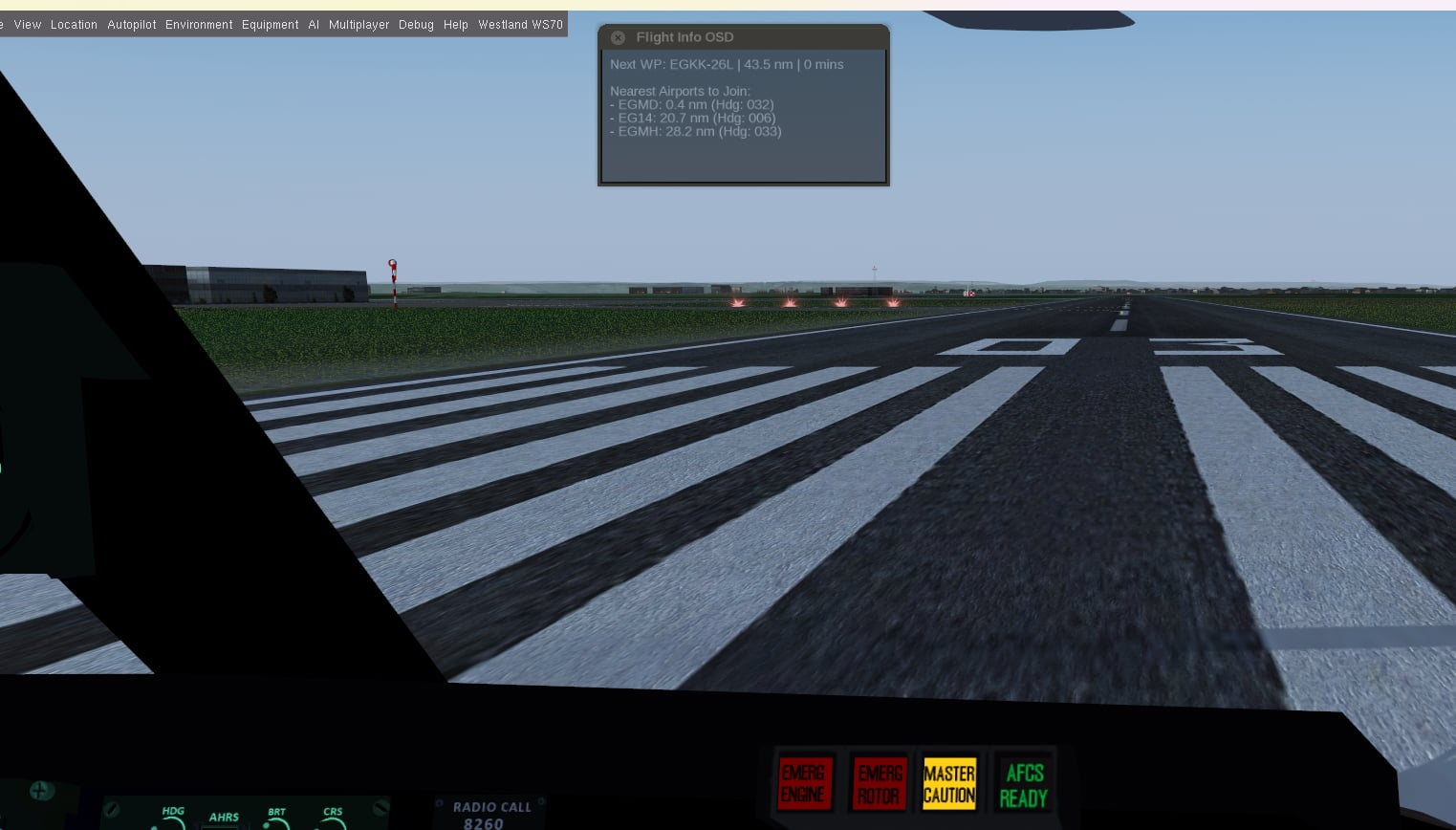
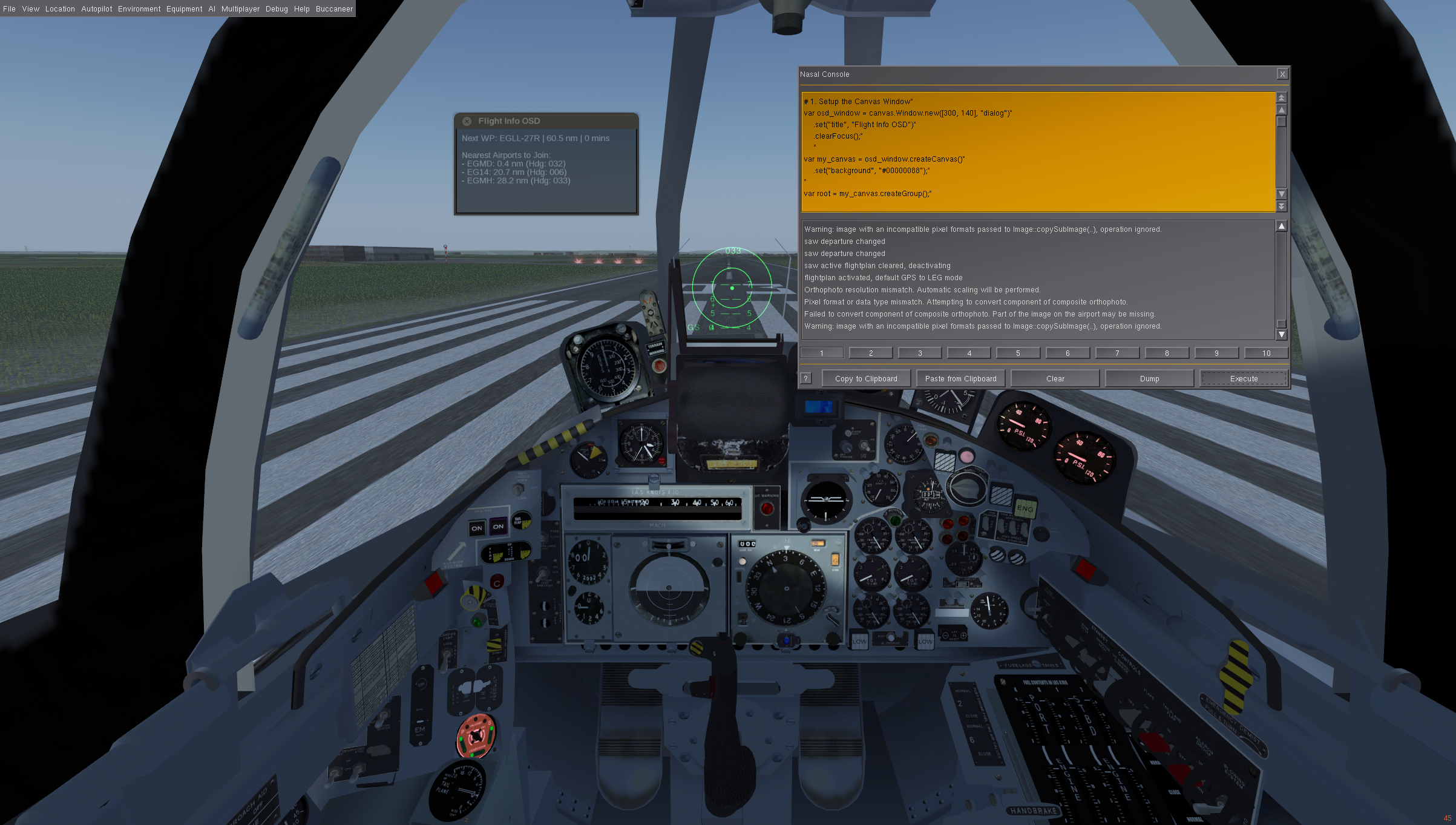
Nice and simple!
If you want to add it to an aircraft just put the "NearestAirportOSD.nas" file in the nasal folder within your aircraft, go into the set xml file and find the <nasal> </nasal> tag section and slot it in there like so:
<file>Aircraft/[AIRCRAFT FOLDER]/Nasal/NearestAirportOSD.nas</file>
The file can be found for you to use as you wish here:
https://drive.google.com/file/d/1PCpIbCyUX7Bxvyzs6nFtSTzBIxwbI5OJ/
Naturally it won't help if you're the one who's FG has crashed but it is good for situational awareness generally and will put people in a position to answer the question without scrabbling about trying to open maps and scroll through Phi to find the nearest airports.
Alex
Comments
After some thought I decided that it might be good if I packed it up as an AddOn
Just add this folder to your addon directory, or wherever you might like, and then ensure it's set as an addon directory in your launcher, you'll then see "NearMe OSD" in the top menu bar, click the menu item in there and it'll appear on your screen. No need to play about with Nasal or put it in a particular aircraft:
https://drive.google.com/file/d/1MjB28m5ldxOHR8kSxd4D3u8r_O4zXy35/
GIT Repo here: https://gitlab.com/Avionyx/near-me-on-screen-display-for-fgfs/-/tree/3be465c98468c289aa3d6f6600eef08217ef0425/